

NIST 800-171 Physical & Environmental Protection in GCC High: Configuration Guide
Emily Bonnie
Senior Content Marketing Manager
Anna Fitzgerald
Senior Content Marketing Manager
Physical and Environmental Protection is the one NIST 800-171 family that Microsoft 365 GCC High cannot implement for you.
While Microsoft maintains the physical security of their GCC High data centers under FedRAMP High authorization, the environments where your employees actually access Controlled Unclassified Information remain your responsibility. Offices, home workspaces, conference rooms, and any alternative work site where CUI can be viewed or handled fall within the organization’s physical security scope.
Because of this, the Physical and Environmental Protection family focuses entirely on organizational safeguards. These controls govern who can physically access systems that process CUI, how visitors are handled, how physical access is monitored, and how CUI is protected when employees work outside the office.
Organizations sometimes assume physical controls are less important when systems are cloud-hosted. In practice, assessors view physical security as a critical layer of defense. If someone can walk into an office and view CUI on an unlocked workstation or remove a laptop containing CUI, strong cloud configuration alone will not prevent a security incident.
This article is Part 10 of the NIST 800-171 GCC High Configuration Guide. It assumes you already have a functioning Microsoft GCC High tenant, understand the shared responsibility model, and are implementing against NIST SP 800-171 Rev. 2.
Recommended reading

NIST 800-171 GCC High Configuration Guide
Physical and Environmental Protection Family overview
Physical and Environmental Protection controls govern access to the physical environments where systems operate and where CUI may be viewed, processed, or stored. In traditional environments, these controls protect data centers and server rooms. In cloud-first environments, they primarily protect offices, endpoint devices, and remote work locations.
Microsoft’s FedRAMP authorization covers the physical protection of GCC High infrastructure. Organizations must still implement safeguards for their own facilities and any alternative work sites where employees access CUI.
| Control | Title | What it requires | Responsibility |
|---|---|---|---|
| 3.10.1 | Limit Physical Access | Restrict physical access to systems and equipment. | Customer responsibility. |
| 3.10.2 | Monitor Physical Facility | Protect and monitor facilities where systems operate. | Customer responsibility. |
| 3.10.3 | Escort Visitors | Escort and monitor visitor activity. | Customer responsibility. |
| 3.10.4 | Physical Access Logs | Maintain logs of physical facility access. | Customer responsibility. |
| 3.10.5 | Physical Access Devices | Manage keys, badges, and other physical access devices. | Customer responsibility. |
| 3.10.6 | Alternative Work Sites | Protect CUI at telework or remote locations. | Customer responsibility. |
PE controls and CMMC scope
In GCC High environments, organizations typically do not operate their own data centers. However, the Physical Protection family still applies because employees access CUI from physical locations.
Those locations include corporate offices, coworking spaces, and remote home workspaces. Any location where employees can view or process CUI must be protected through physical safeguards.
| In-scope area | Physical protection expectation | Typical gap |
|---|---|---|
| Office or facility hosting systems | Restricted entry to areas where systems storing or accessing CUI are located. | General office access granted without considering system location. |
| Server rooms or network closets | Additional restrictions such as locked rooms, badge access, or controlled keys. | Infrastructure stored in shared or unlocked areas. |
| Visitors and contractors | Visitor registration, escort requirements, and limited access to controlled areas. | Visitors allowed to move freely without escort. |
| Physical access devices | Badges, keys, or other devices tracked and revoked when no longer needed. | Former personnel still possess badges or keys. |
| Remote work locations | Telework protections such as device security, workspace privacy, and CUI handling guidance. | Remote employees unaware of CUI protection expectations. |
PE controls and GCC High implementation
3.10.1 Limit Physical Access
CMMC Practice: PE.L2-3.10.1
This control requires organizations to restrict physical access to systems and equipment that process CUI.
Most organizations implement this through controlled entry to offices or designated CUI processing areas. Badge readers, keypad entry systems, or key-controlled doors are commonly used to ensure only authorized individuals can enter these spaces.
Organizations should also implement clean desk practices to prevent CUI from being visible when workstations are unattended. Physical CUI such as printed documents or removable media should be stored in locked cabinets or containers.
Smaller contractors do not need advanced access control infrastructure to meet this requirement. Standard commercial door locks, controlled key distribution, and visitor logs are often sufficient when properly documented.
3.10.2 Monitor Physical Facility
CMMC Practice: PE.L2-3.10.2
This control focuses on monitoring the physical environment where systems operate.
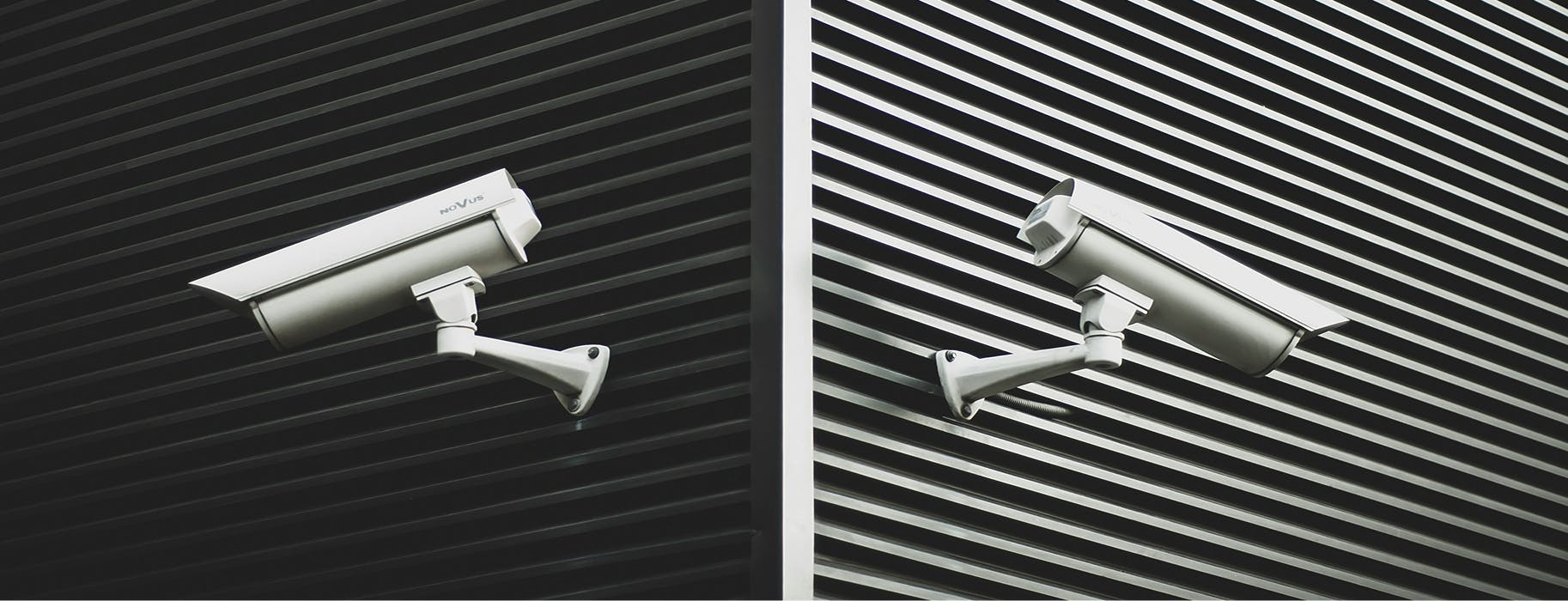
Organizations typically implement monitoring through security cameras, alarm systems, and electronic badge access systems. Entry points to facilities and restricted areas should be monitored, and camera footage should be retained long enough to support investigations.
Many organizations also review access logs periodically to identify unusual activity, such as after-hours access to restricted areas.
3.10.3 Escort Visitors
CMMC Practice: PE.L2-3.10.3
Visitors must be escorted when they enter areas where CUI may be processed or visible.
Organizations usually implement this requirement through visitor policies and sign-in procedures. Visitors receive temporary badges that distinguish them from employees, and the employee hosting the visitor is responsible for escorting them throughout the visit.
Visitor activity should also be recorded in a log that includes the visitor’s name, organization, purpose of the visit, and entry and exit times.
3.10.4 Physical Access Logs
CMMC Practice: PE.L2-3.10.4
This control requires organizations to maintain logs of physical access to facilities.
Electronic badge systems typically generate access logs automatically. If electronic systems are not available, organizations can maintain manual sign-in logs for controlled entry areas.
Logs should be retained according to the organization’s log retention policy and reviewed periodically for unusual activity.
Some organizations also compare physical access logs with Entra ID sign-in logs to identify anomalies. For example, if a user signs into the environment from an office location without a corresponding badge entry, the activity may require investigation.
3.10.5 Physical Access Devices
CMMC Practice: PE.L2-3.10.5
Physical access devices such as keys, badges, and key cards must be controlled and tracked.
Organizations should maintain an inventory of issued devices and record when devices are issued and returned. Procedures should also exist for replacing lost devices and deactivating compromised credentials.
Physical access devices should be collected when personnel leave the organization, which is typically coordinated with personnel termination procedures.
3.10.6 Alternative Work Sites
CMMC Practice: PE.L2-3.10.6
This control governs how CUI is protected when employees work outside the primary office environment.
Remote and hybrid work arrangements are common in defense contracting environments, so organizations must define safeguards for home workspaces and other remote locations.
These safeguards usually include requirements for dedicated workspaces, screen positioning that prevents shoulder surfing, secure storage for printed materials, and the use of company-managed devices.
Technical controls within Microsoft 365 GCC High can reinforce these safeguards. Conditional Access policies can require compliant devices for access, and Intune compliance policies can ensure endpoint security requirements are met regardless of location.
Evidence your C3PAO will likely want to see
Assessors reviewing Physical Protection controls typically request documentation describing facility safeguards and examples showing those safeguards are implemented.
| Control | Evidence examples | What the assessor verifies |
|---|---|---|
| 3.10.1 Physical Access | Physical security policy, office access procedures. | Access restricted to authorized individuals. |
| 3.10.2 Facility Monitoring | Camera documentation, alarm system records. | Facilities monitored and protected. |
| 3.10.3 Visitor Escort | Visitor policies and visitor logs. | Visitors escorted and tracked. |
| 3.10.4 Access Logs | Badge system logs or manual access logs. | Physical access events recorded. |
| 3.10.5 Access Devices | Badge or key inventory records. | Access devices tracked and managed. |
| 3.10.6 Alternative Work Sites | Telework policy and signed agreements. | Remote locations follow CUI safeguarding requirements. |
Common assessment findings across the PE family
Organizations frequently overlook the need to formally designate CUI processing areas within their offices. Without clearly defined restricted areas, assessors may conclude that physical access controls are insufficient.
Clean desk practices are another common issue. During site visits, assessors sometimes observe printed CUI documents left visible on desks or displayed on unlocked monitors.
Remote work arrangements can also create gaps when organizations implement general remote work policies but fail to include safeguards specific to CUI handling.
Finally, visitor procedures are occasionally implemented informally. If visitors are not logged consistently or escorted in restricted areas, assessors may determine the control is not fully implemented.
How the Physical Protection family supports other control families
Physical security reinforces several other NIST 800-171 control families by protecting the environments where systems operate.
Access Control and Identification and Authentication controls rely on secure physical environments. If unauthorized individuals can access workstations directly, logical access controls become less effective.
Physical safeguards also support System and Information Integrity by protecting endpoint devices from tampering or theft. When laptops and workstations remain physically secure, organizations reduce the risk of data exposure outside their control.
Remote work safeguards also reinforce Media Protection and Incident Response practices by ensuring sensitive information remains protected even when employees work outside the office.
Get started
Physical security controls ensure that the environments where CUI is accessed remain protected.
During a CMMC assessment, organizations must demonstrate how they restrict facility access under PE.L2-3.10.1, monitor facilities under PE.L2-3.10.2, manage visitors under PE.L2-3.10.3, maintain access logs under PE.L2-3.10.4, manage access devices under PE.L2-3.10.5, and protect CUI at alternative work sites under PE.L2-3.10.6.
Secureframe Defense helps organizations track the policies, documentation, and operational evidence supporting these controls alongside their GCC High technical controls.
See how Secureframe automates CMMC evidence collection by scheduling a demo with a product expert.
Streamline your compliance with CMMC


Emily Bonnie
Senior Content Marketing Manager
Emily Bonnie is a seasoned digital marketing strategist with over ten years of experience creating content that attracts, engages, and converts for leading SaaS companies. At Secureframe, she helps demystify complex governance, risk, and compliance (GRC) topics, turning technical frameworks and regulations into accessible, actionable guidance. Her work aims to empower organizations of all sizes to strengthen their security posture, streamline compliance, and build lasting trust with customers.

Anna Fitzgerald
Senior Content Marketing Manager
Anna Fitzgerald is a digital and product marketing professional with nearly a decade of experience delivering high-quality content across highly regulated and technical industries, including healthcare, web development, and cybersecurity compliance. At Secureframe, she specializes in translating complex regulatory frameworks—such as CMMC, FedRAMP, NIST, and SOC 2—into practical resources that help organizations of all sizes and maturity levels meet evolving compliance requirements and improve their overall risk management strategy.